Completed the assembly of my Tevo Tornado!
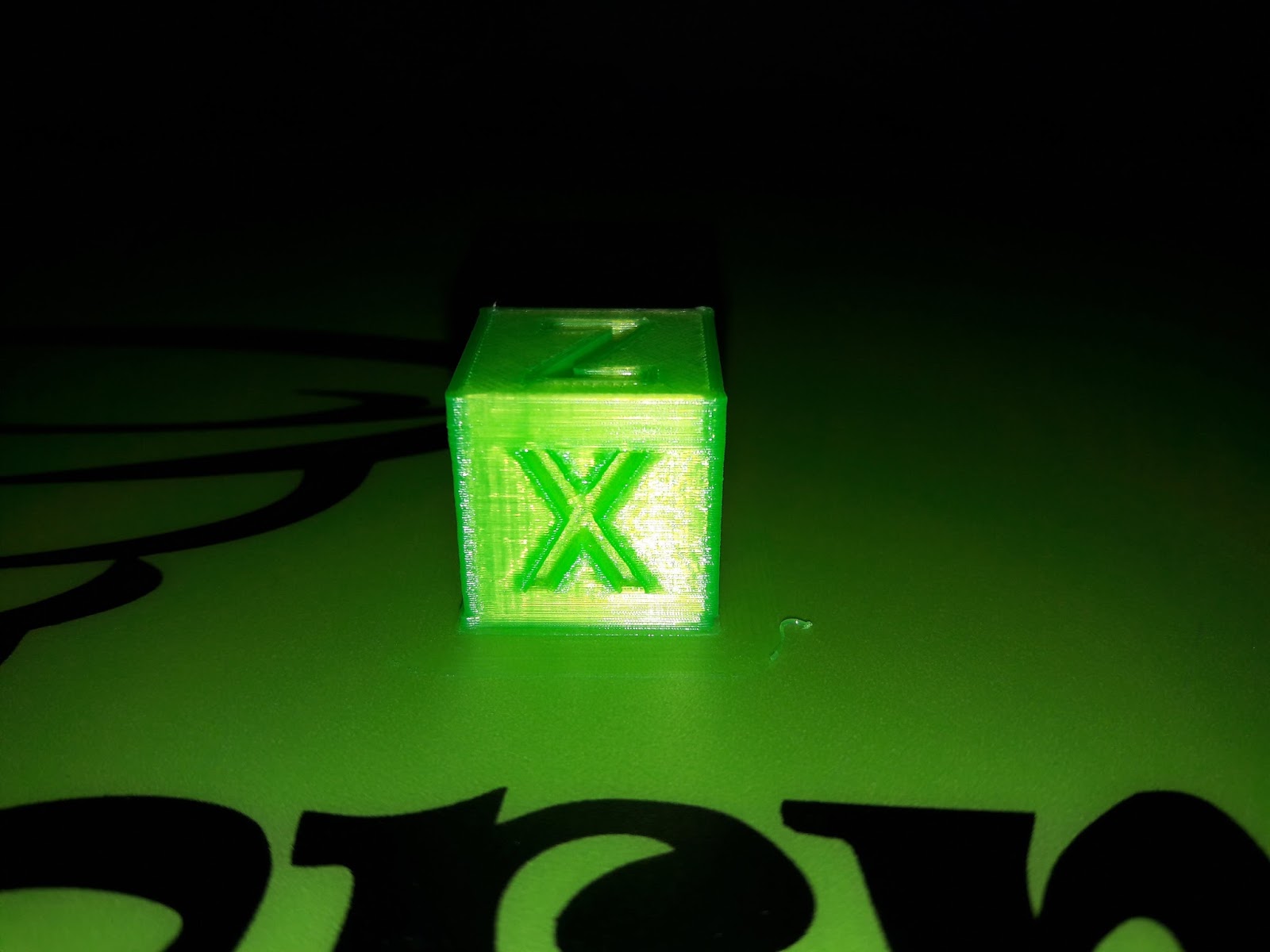
First print to determine its condition would be the XYZ calibration cube.
Download the model link from here: https://www.thingiverse.com/thing:1278865


...Read more!...


Setup can be made to automatically sweep in X and Y direction or controlled manually using the GUI.
Last link is fitted with a force sensing resistor to detect obstacles. It is always perpendicular to the datum plane. On contact with obstacle (my hand in the video), it changes direction in the Z axis. The location of the obstacle is recorded and shown on the MATLAB GUI.
Resources: Seeeduino Mega1280, MATLAB, x4 Hitec servomotors and 1 force sensing resistor.

Prototype Setup

MATLAB GUI
Interface between MATLAB and Arduino microcontroller to calibrate servo.
The Seeeduino Mega 1280 is used in this case.
Resources used:
http://www.mathworks.com/matlabcentral/fileexchange/27843
http://arduino.cc/en/Reference/map


 Recovered a torch with leaking batteries. Metal contacts of torch is badly rusted and the battery holder is slightly corroded. Too lazy to clean away interior of torch body too.
 Get an empty mint box and get to work. Most mint boxes are made of soft and thin metal, so no drilling is needed. Just get a nail and punch a hole. To enlarge the hole (for the switch), simple use a nose plier and bore through it.


